01THE SINGLE CREATURE
Just the monster.
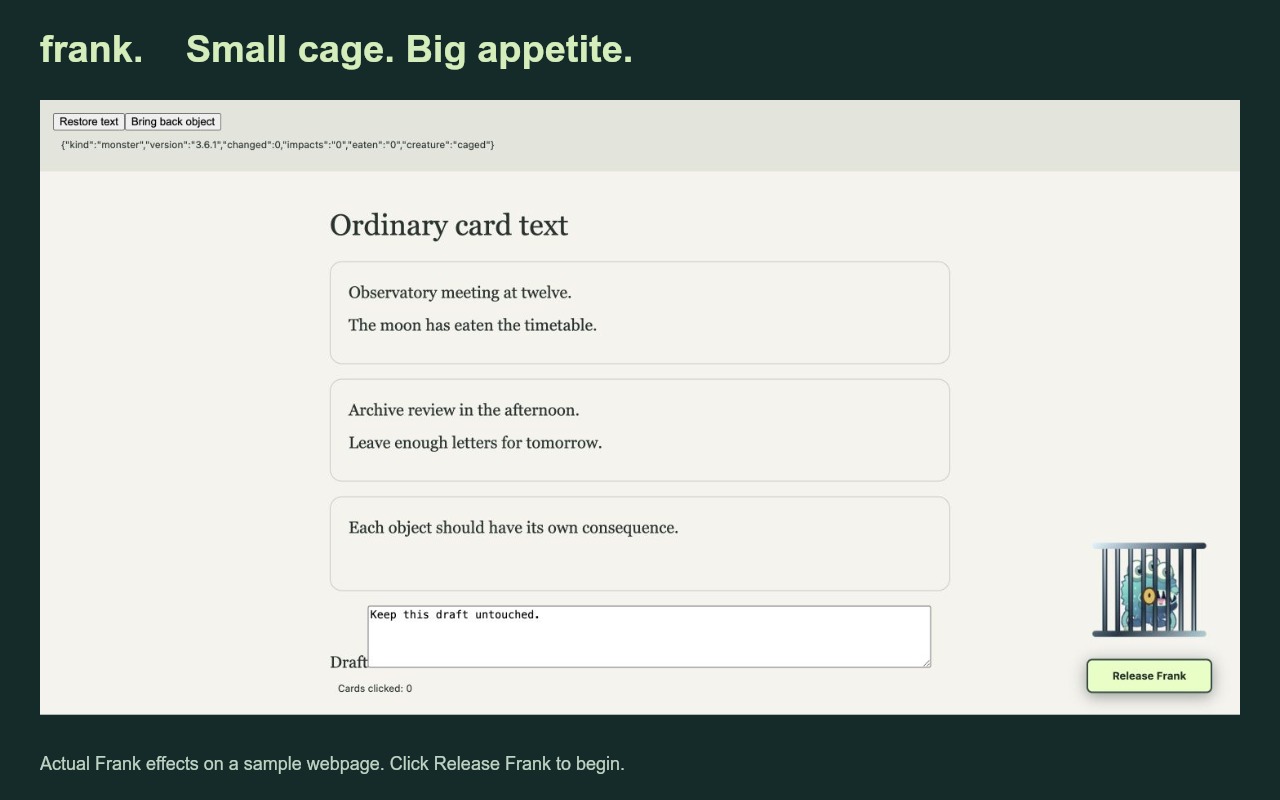
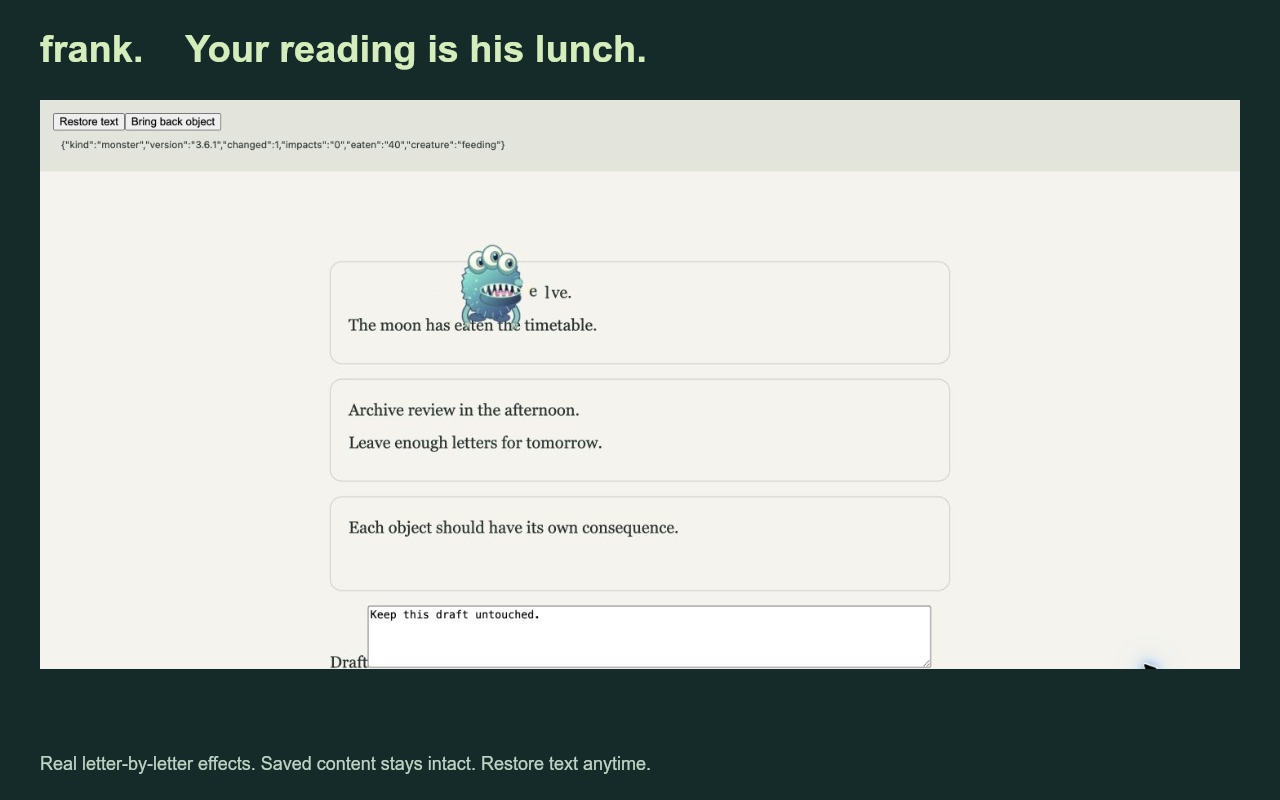
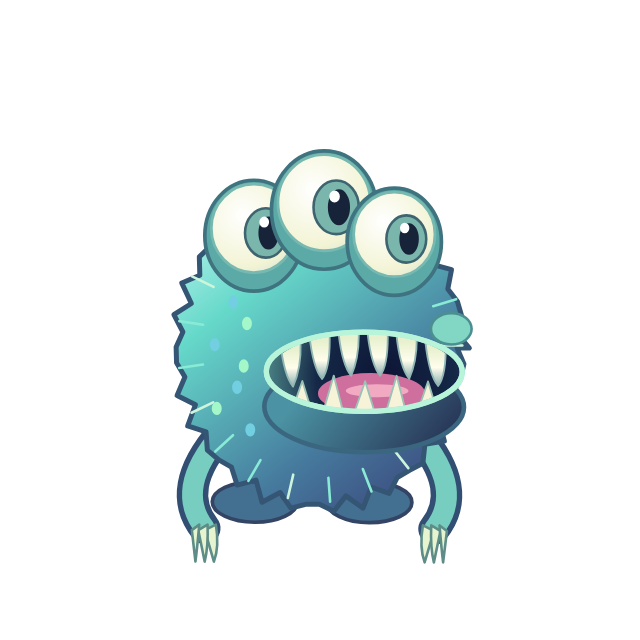
Meet Frank. Release him from his corner cage, watch him become gigantic and terrifying, then let him shrink back down and devour your reading.
- Corner cage with a Release Frank button
- Giant breakout, faster bites, real gaps
- Drag Frank to cage him; click to dismiss
- Restore text whenever you need it
ZIP · MAC + WINDOWS3.6.8